
Expanding Anytype into a communication platform
Anytype is a privacy-first knowledge management tool — encrypted, offline-first, with no server-side access to your data. Your content is truly yours: no company can read it, block it, or take it away.
The founders' vision was to push further: add communication directly to the knowledge layer. Not as a separate chat feature, but as a new way to build knowledge together — anything shared in a conversation could automatically find its place in your knowledge graph. I designed the entire communication layer from scratch — channels, group chats, direct messages, and comments.
Concept and Goal
Anytype organizes knowledge through types and properties. Every object you create — a note, a task, a bookmark — has a type and a set of properties that connect it to everything else. It's a flexible system, but it has a steep learning curve.
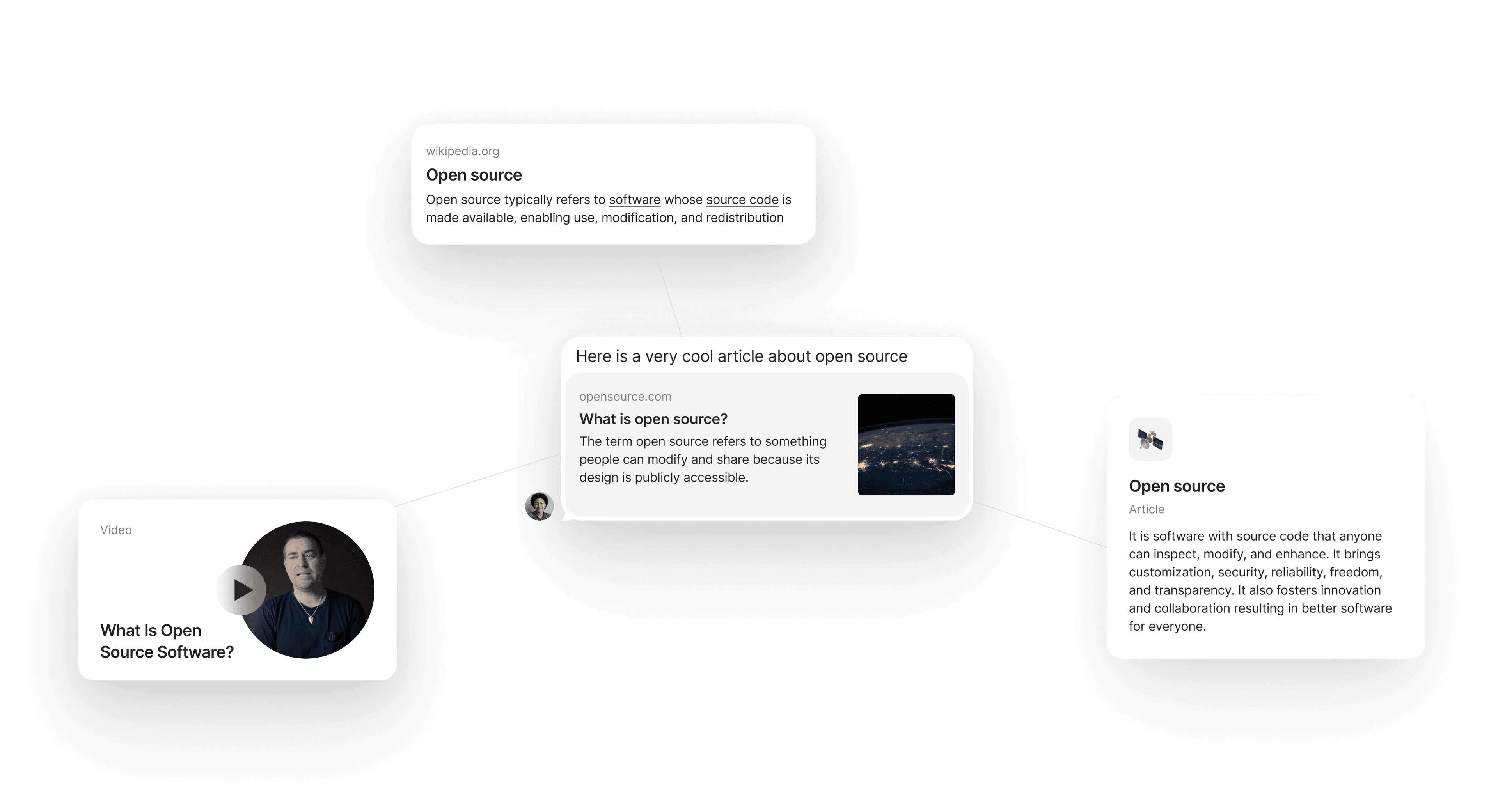
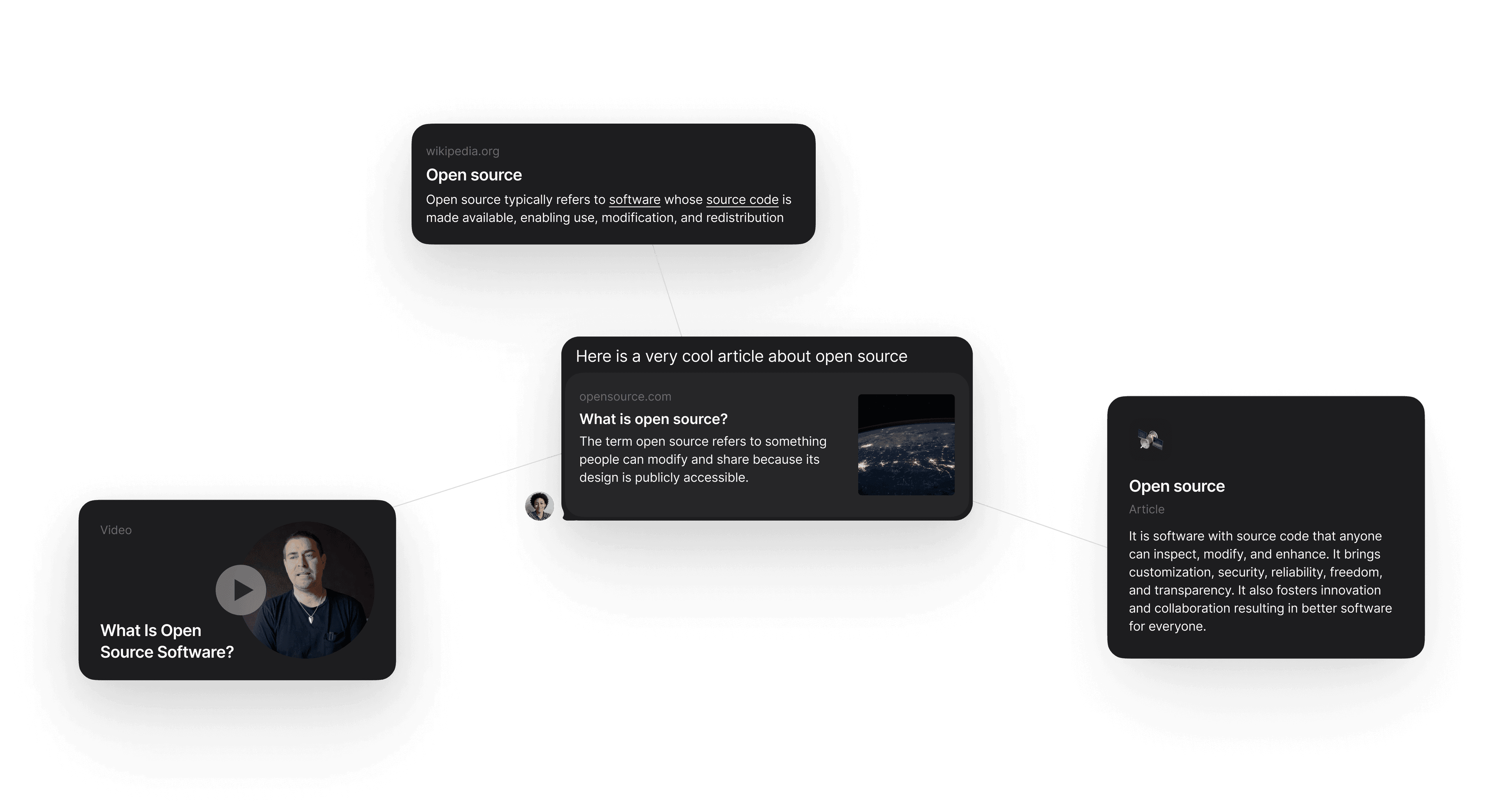
The idea: let people build their knowledge graph through something they're already familiar with — chat. Discuss and attach things, and the graph grows naturally. The goals: improve activation by lowering the learning curve, drive retention through daily engagement, increase adoption of collaboration features, and create a viral loop.
Channels
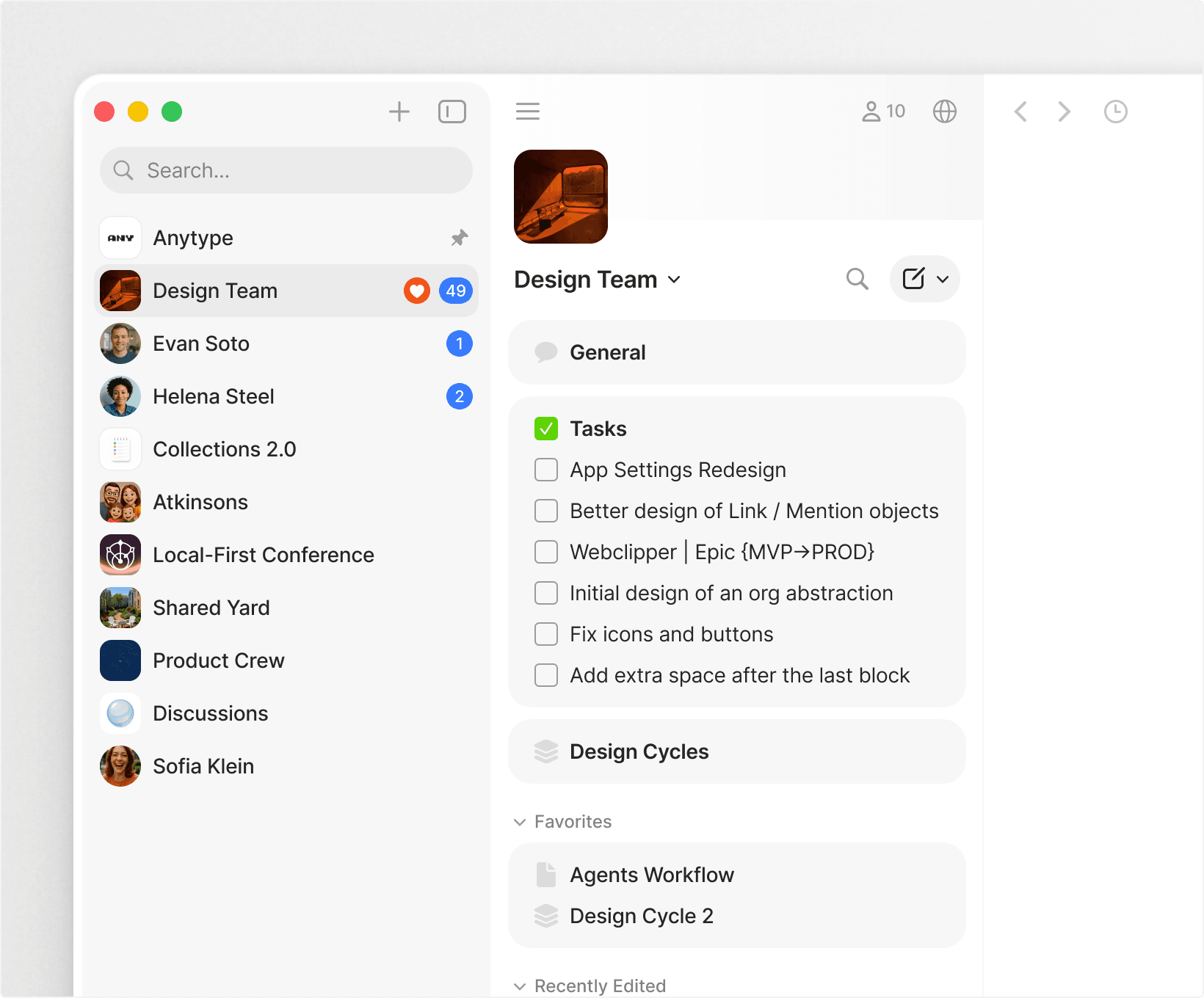
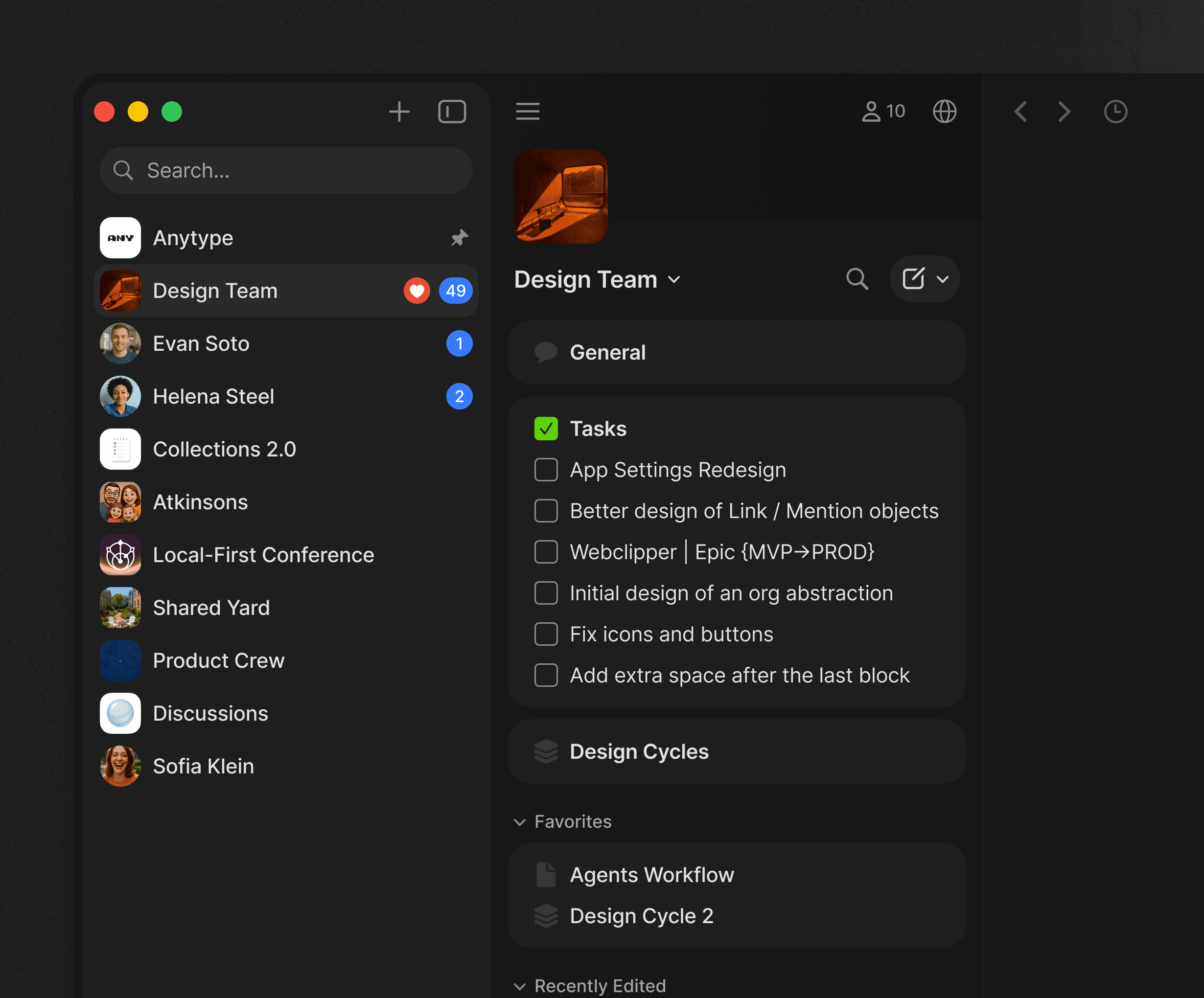
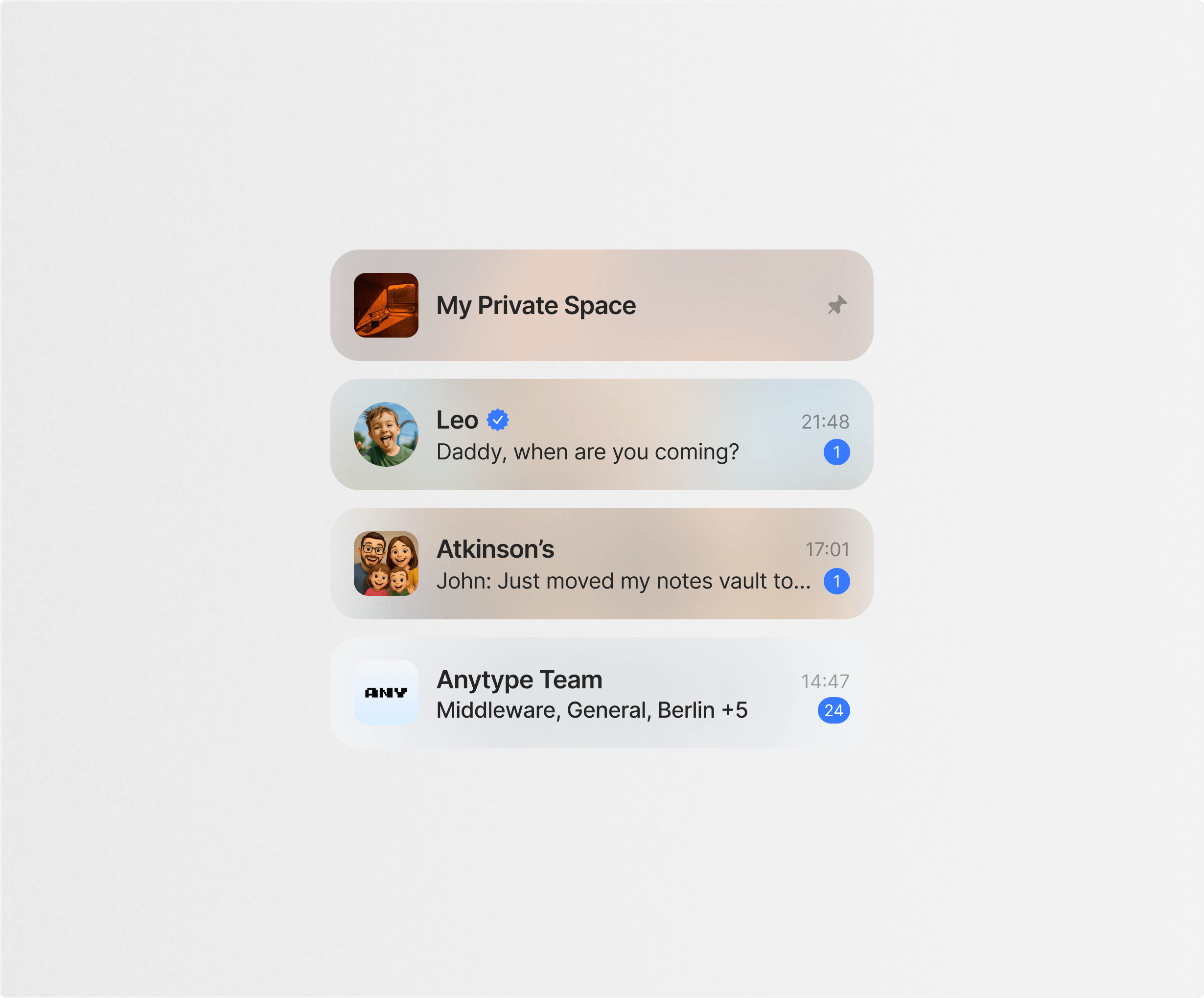
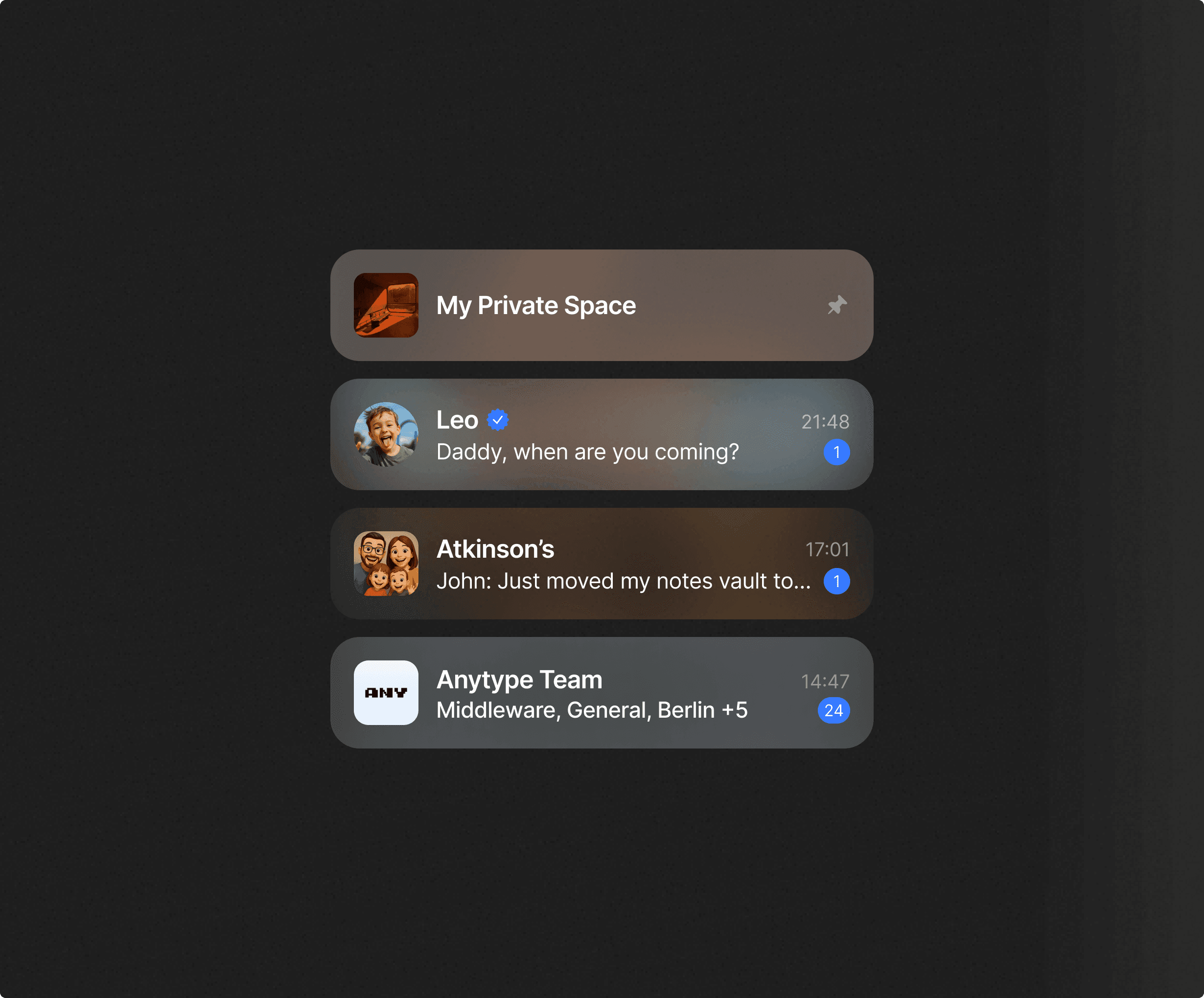
Before communication, Anytype had Spaces — a single large container for everything: your movie watchlist, work tasks, and private therapy notes all in one place. People didn't want to share them, and as they grew, they became nearly impossible to navigate.
We introduced a new concept: the channel. A smaller entity built around who you're with, not what you're storing. A community, a conference, a team, a family group, a direct message — all are channels with the same underlying structure.
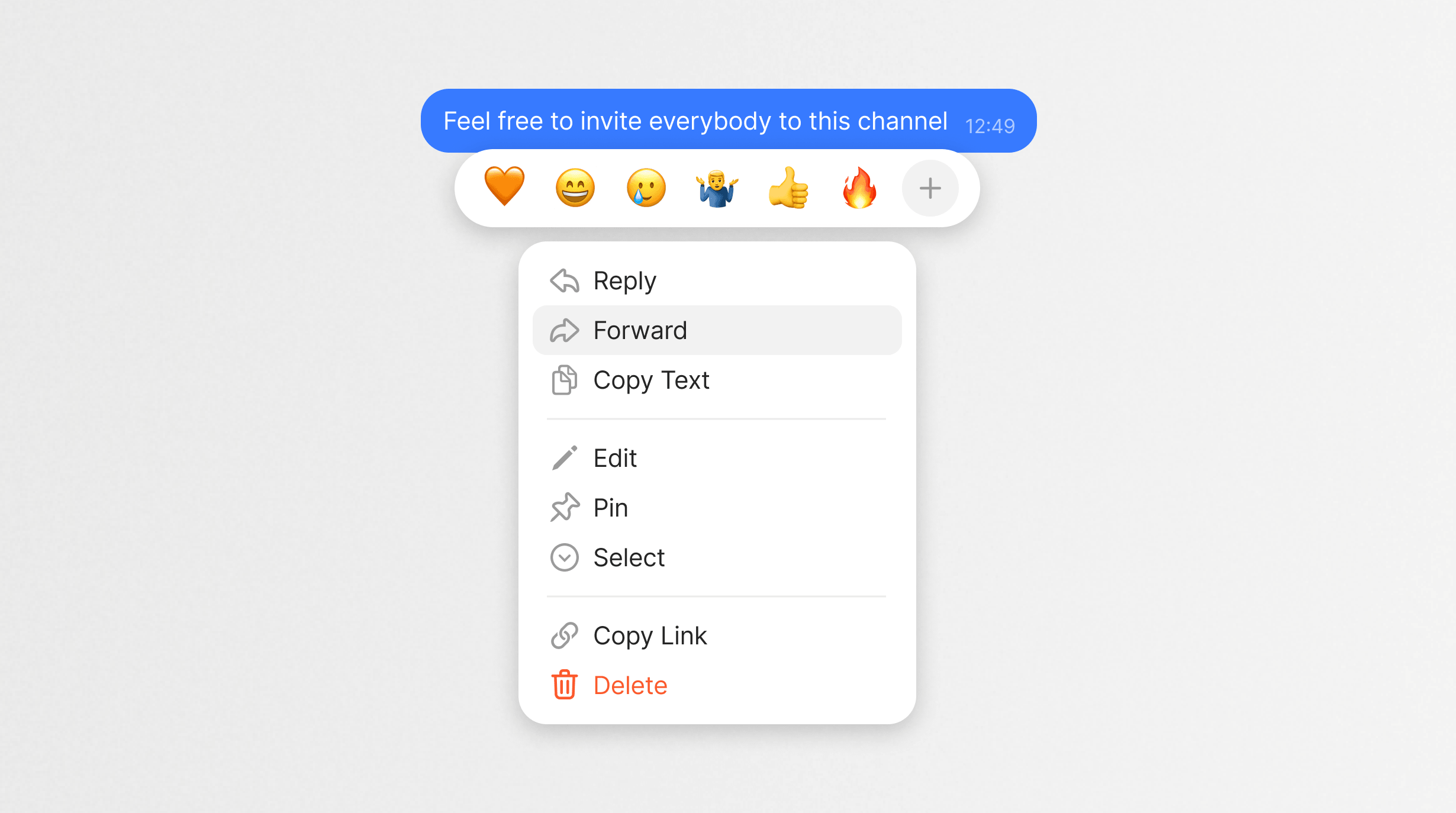
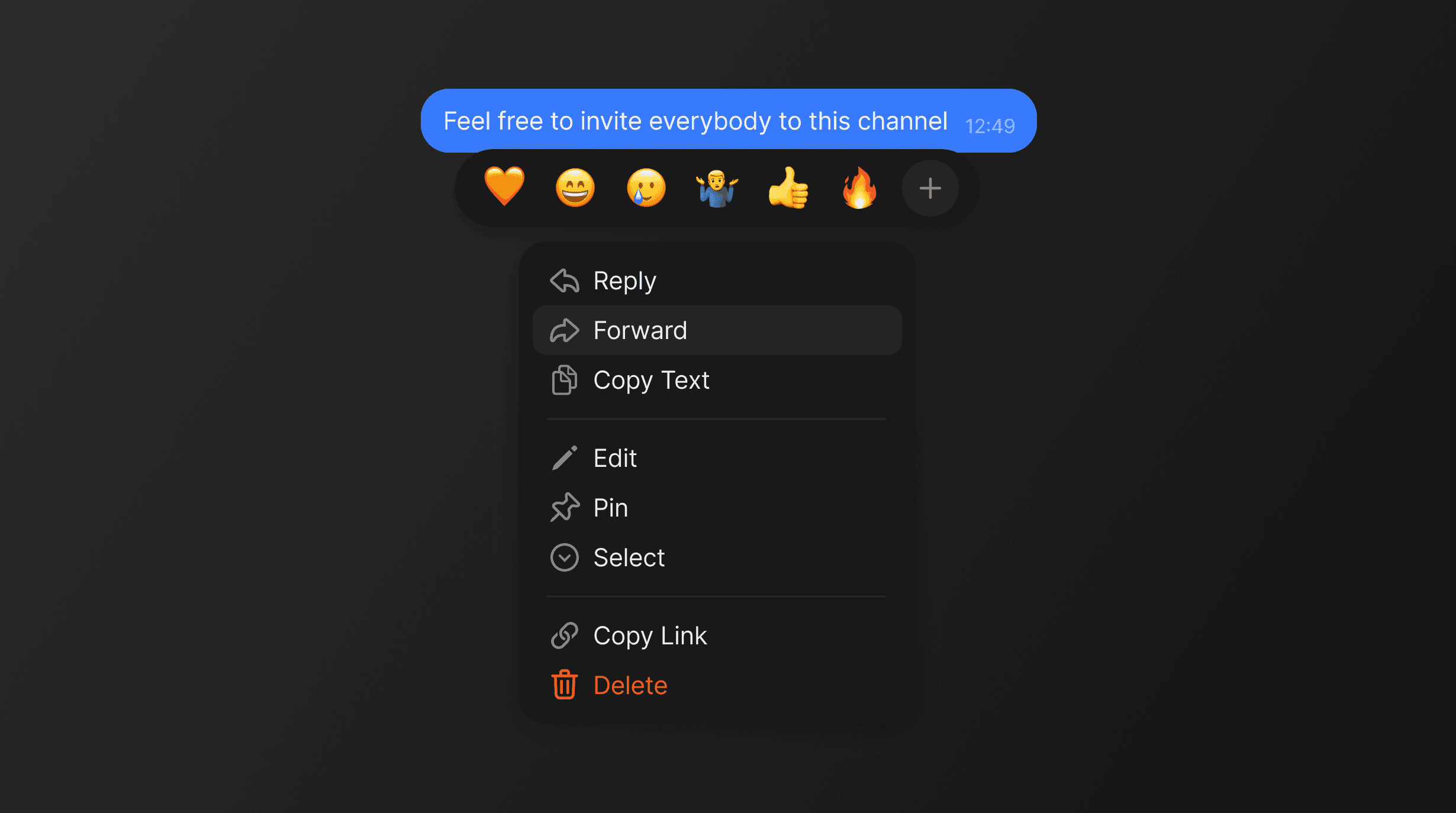
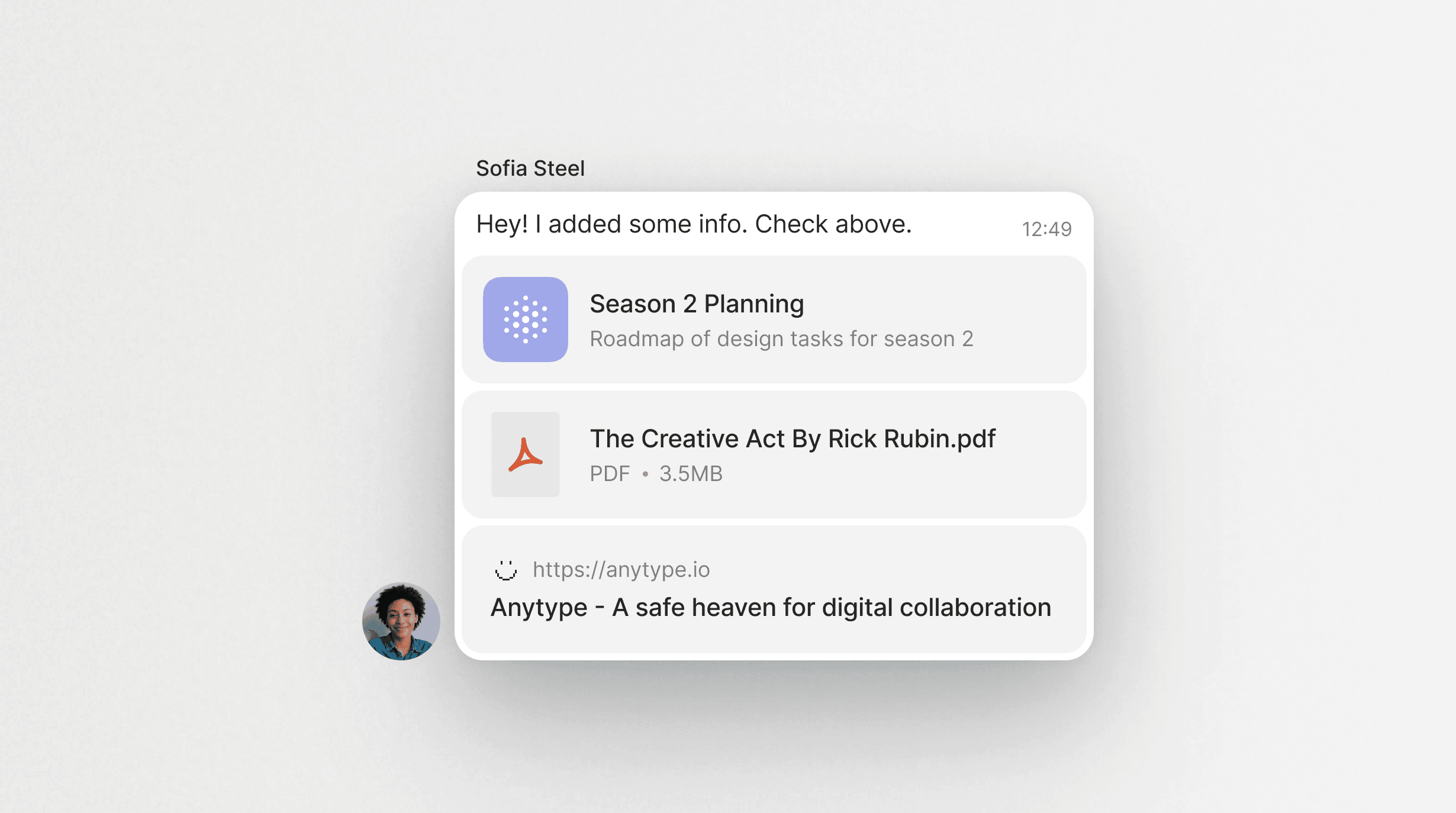
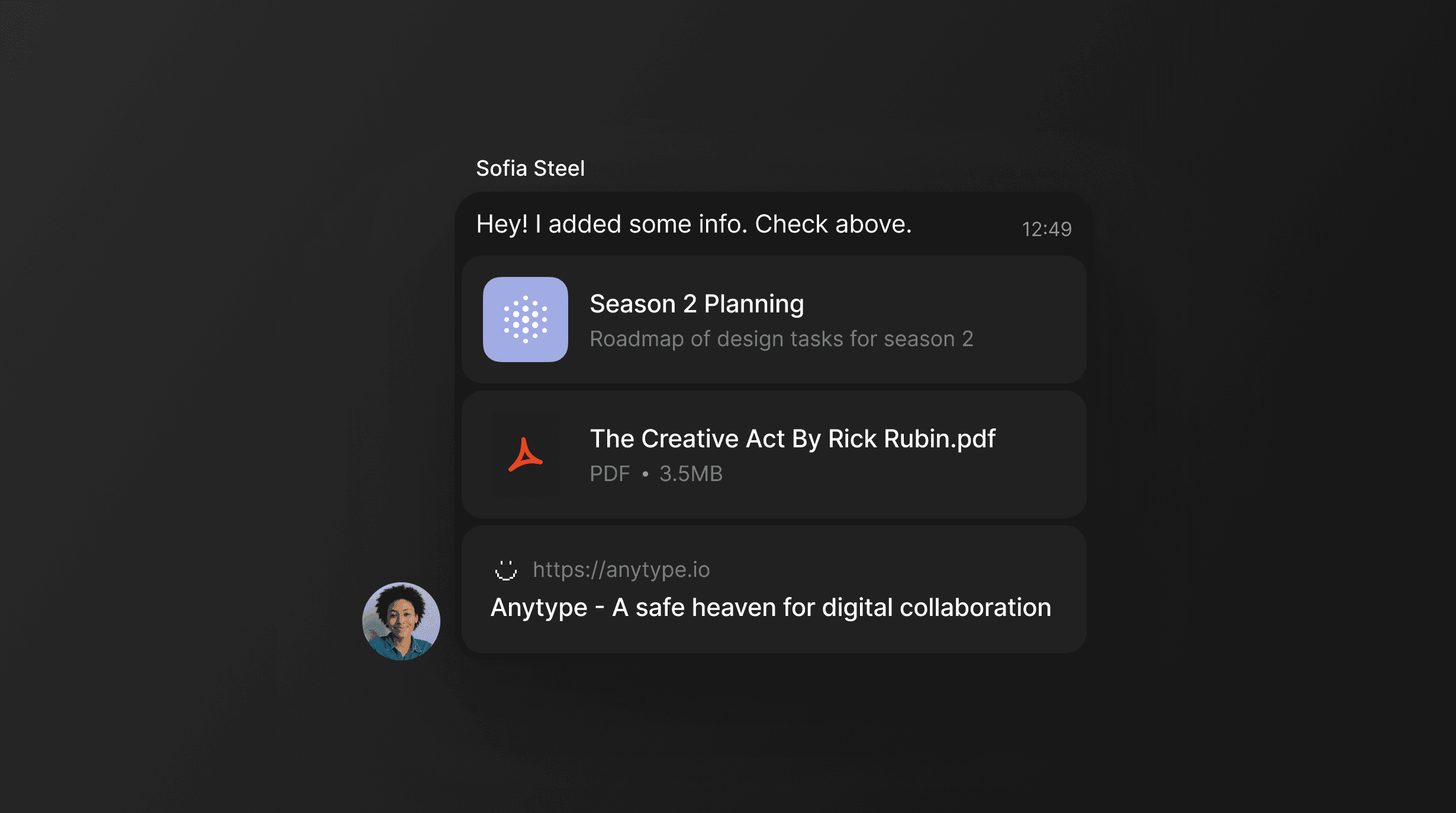
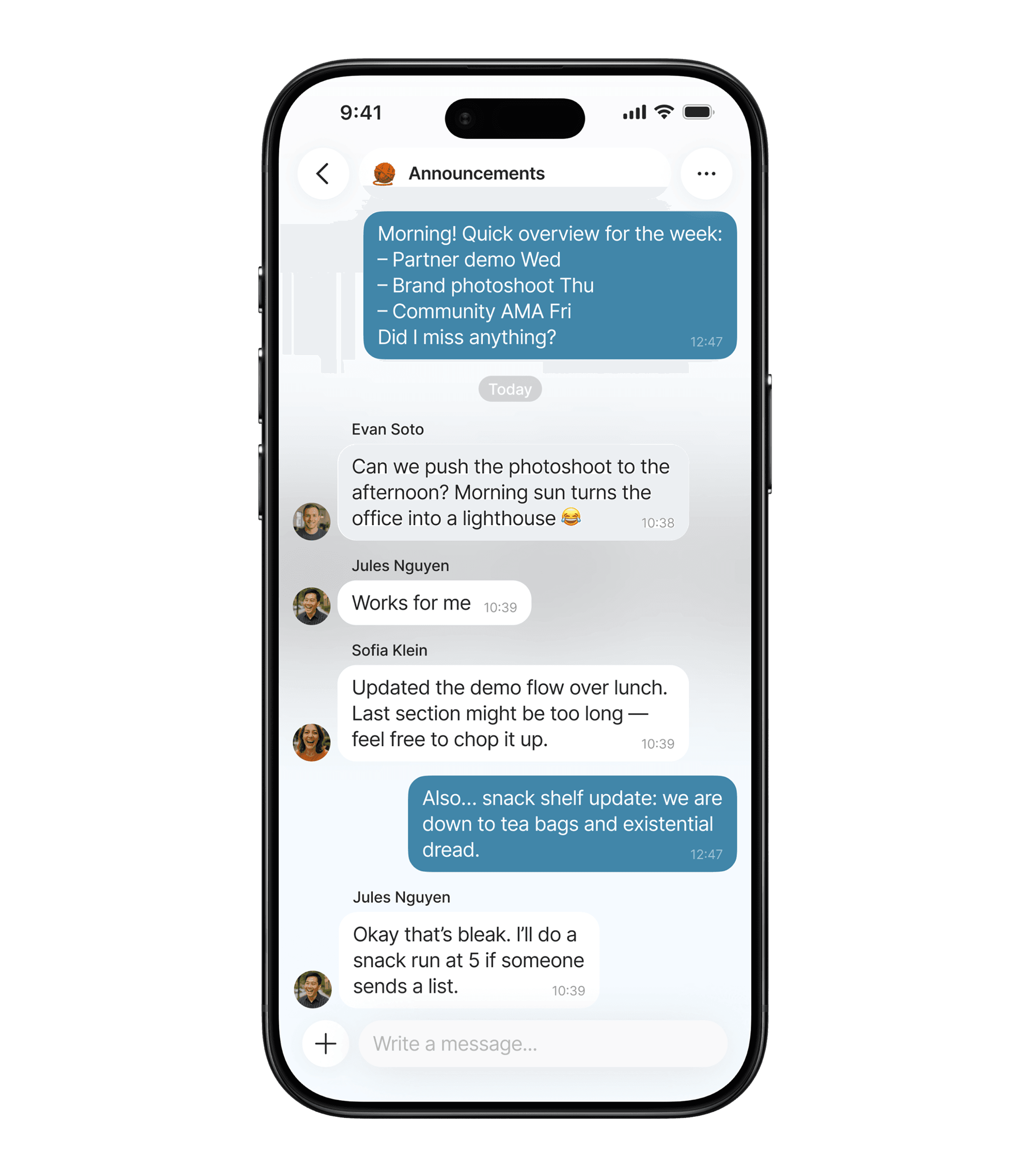
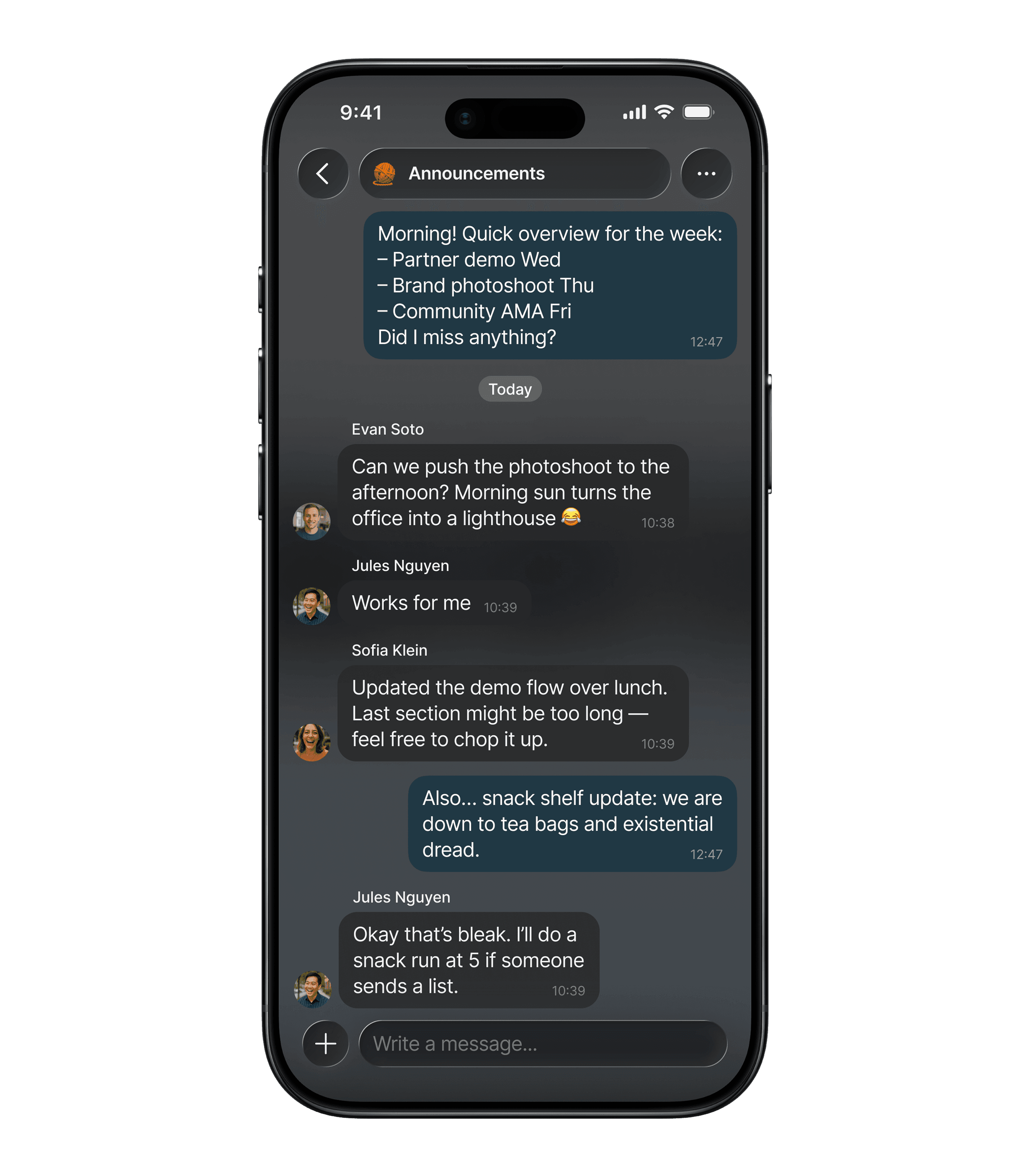
Chat Basics
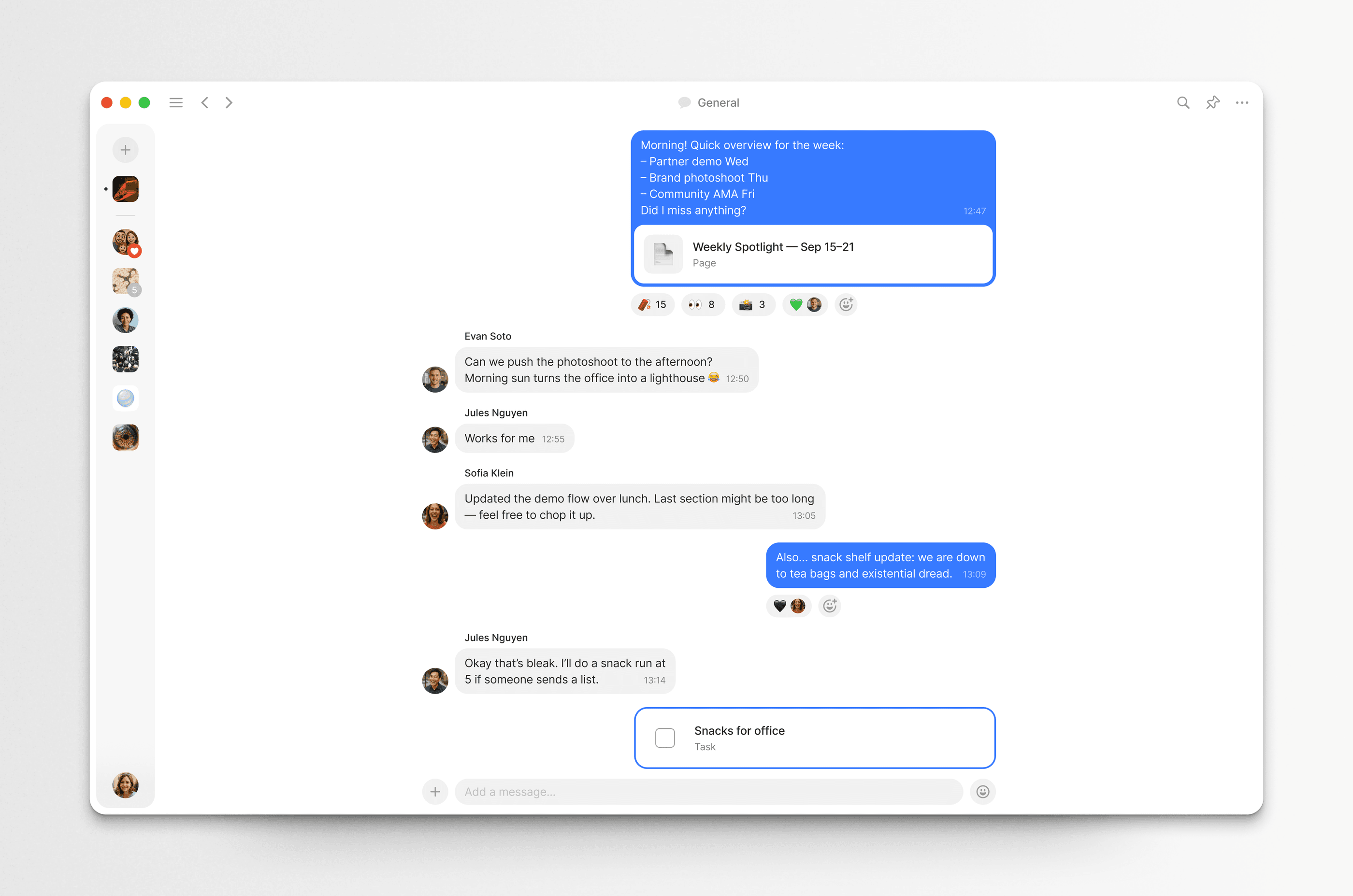
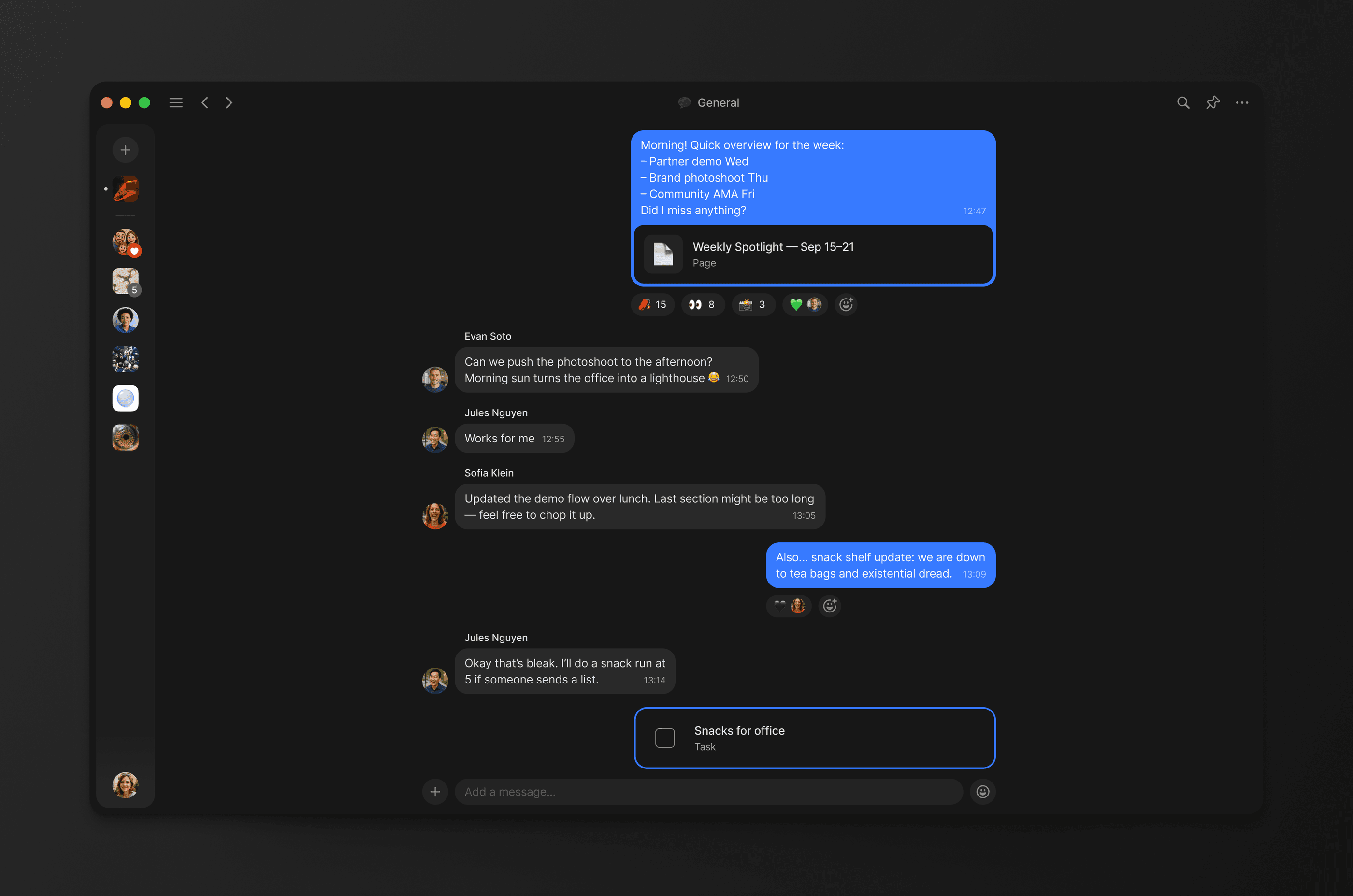
Anytype is p2p and decentralized — no central server, no single source of truth. My job was to make that invisible: give it a clean, modern UI that feels fresh and familiar, with none of the technical complexity surfacing to the interface.
Before designing individual features, I built a design system for chats first — a set of components that would let us extend functionality quickly and consistently as the product grew.
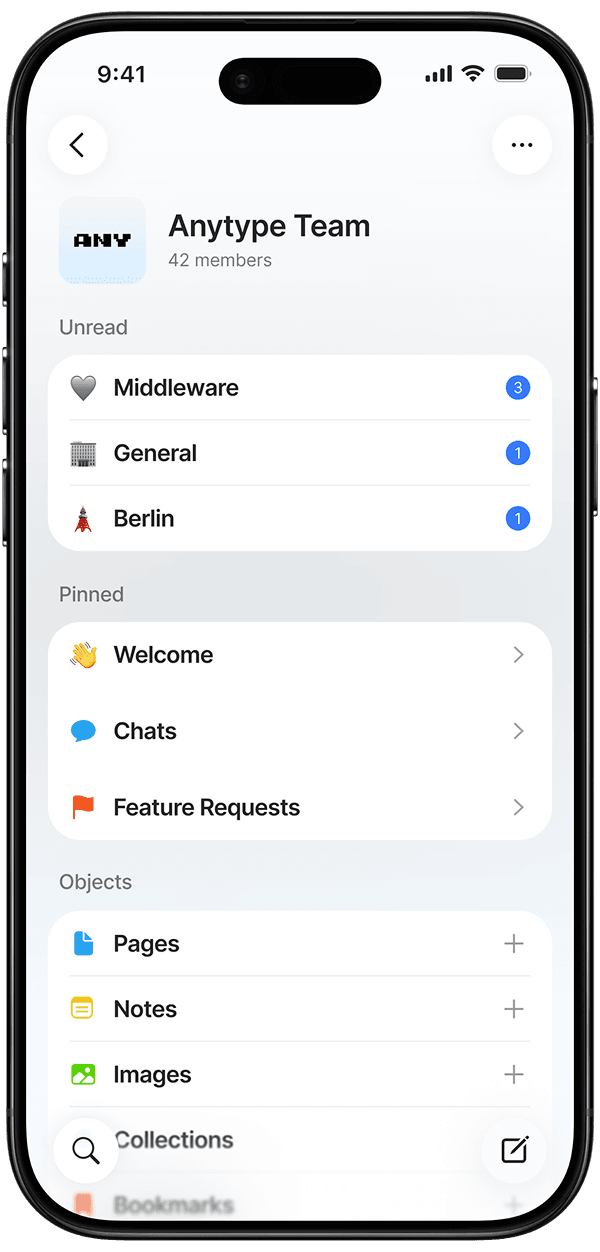
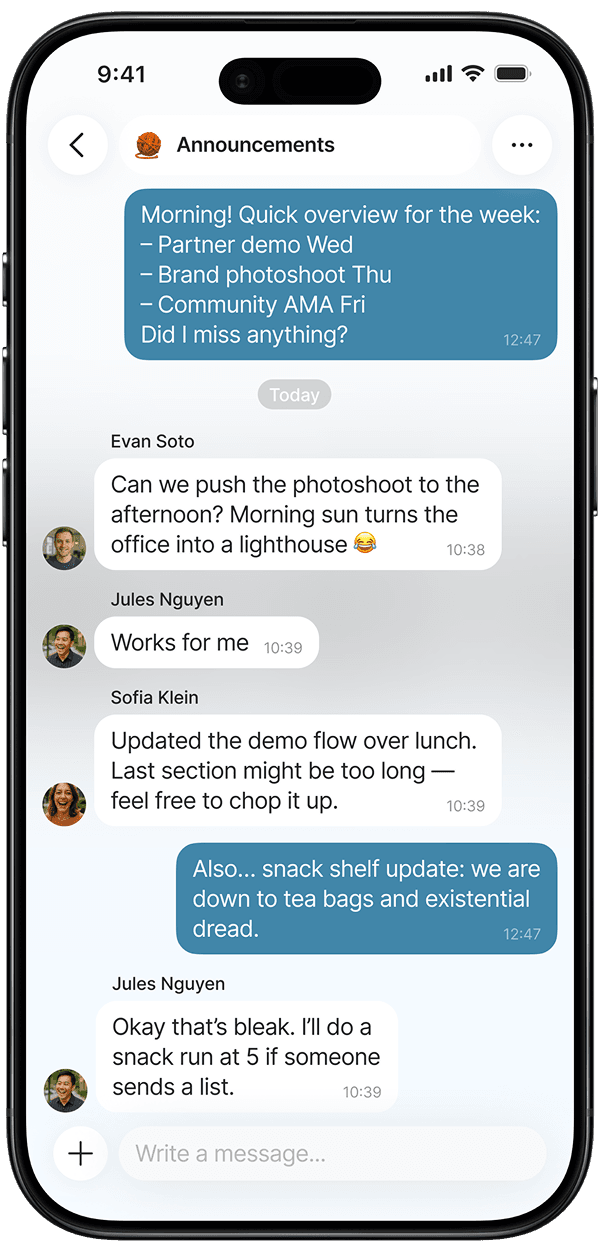
Color Coding on Mobile
Mobile in Anytype was historically a lighter experience. A way to manage things on the go. Chats made it a much more central part of the product.
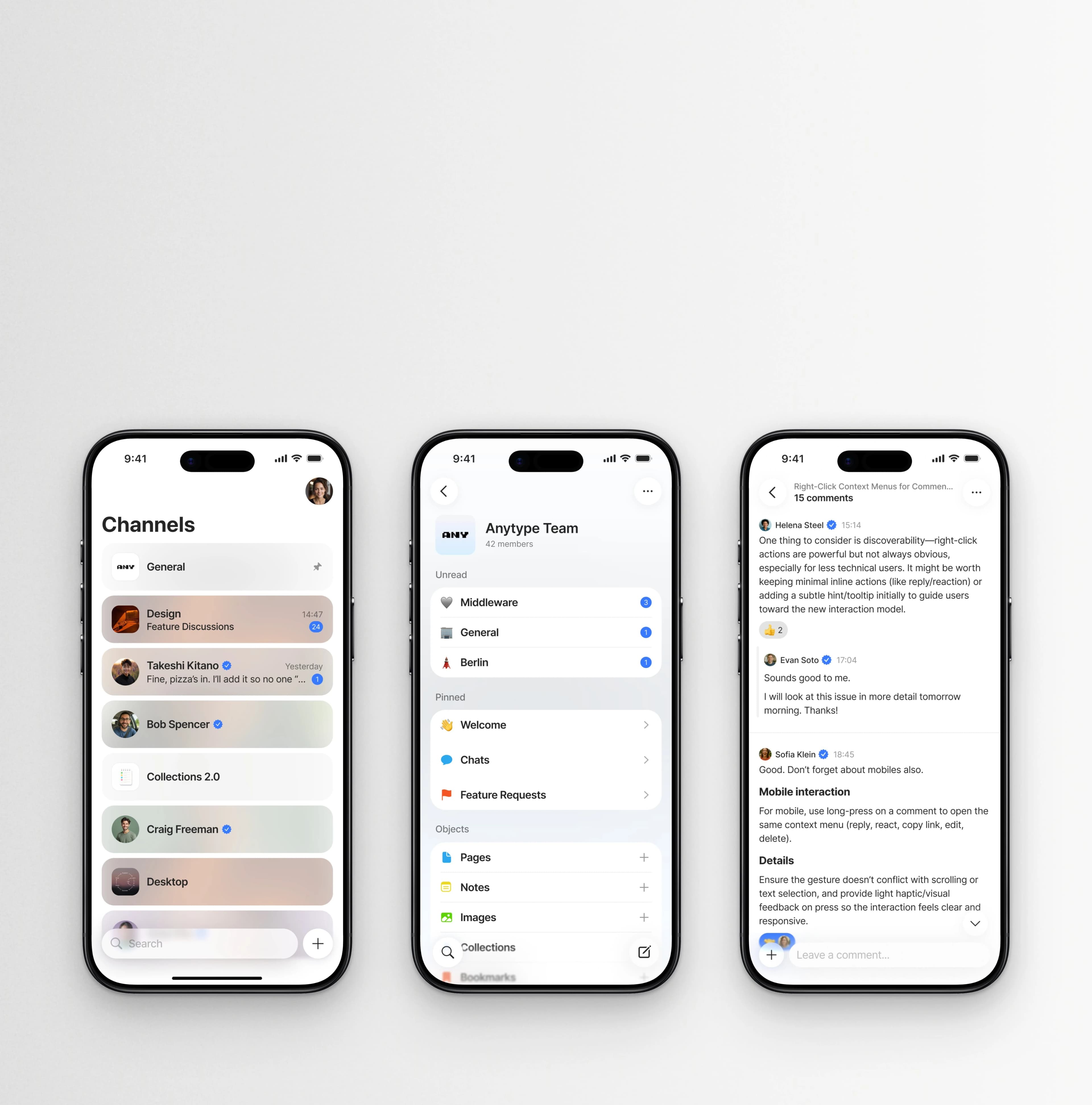
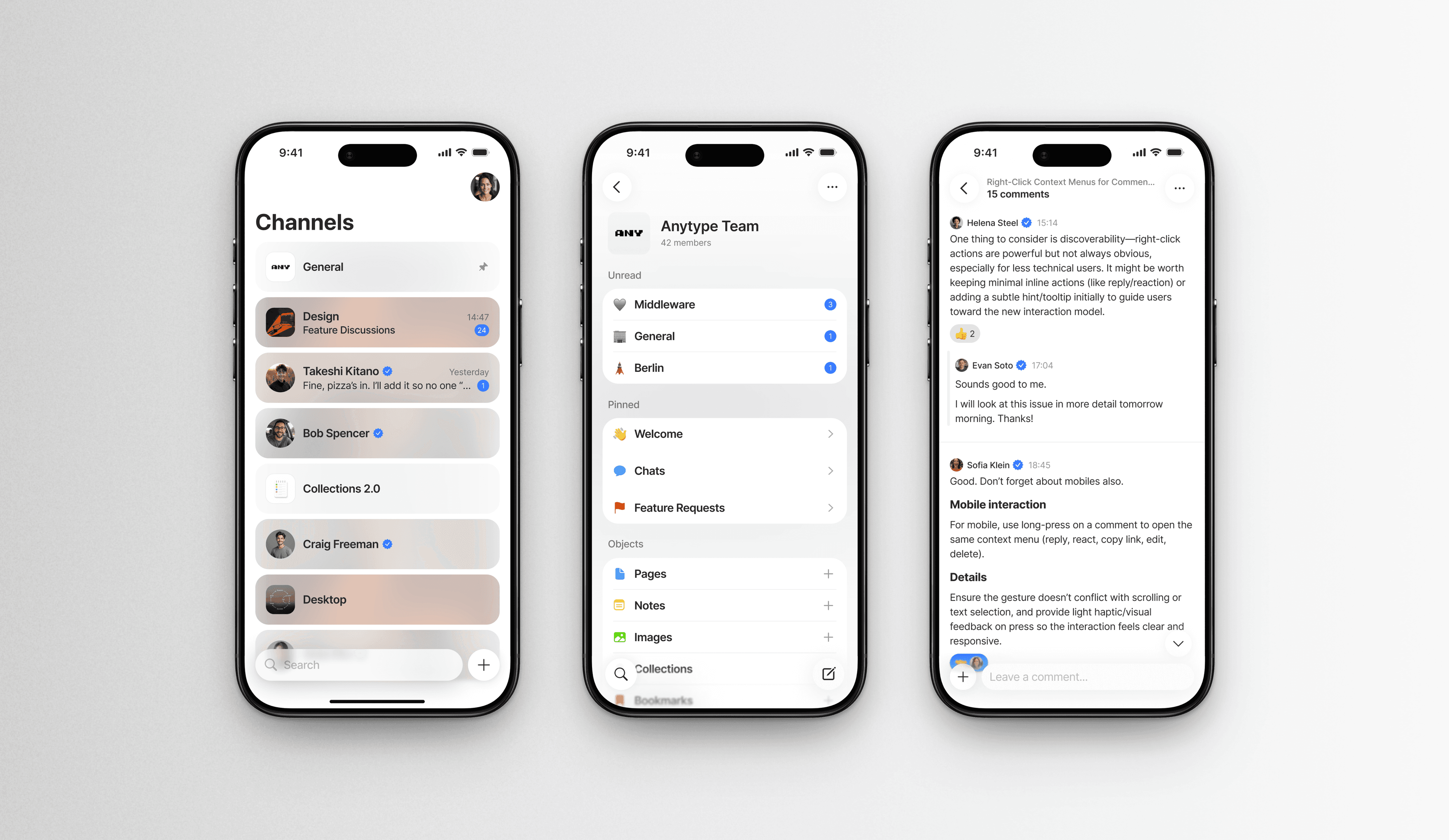
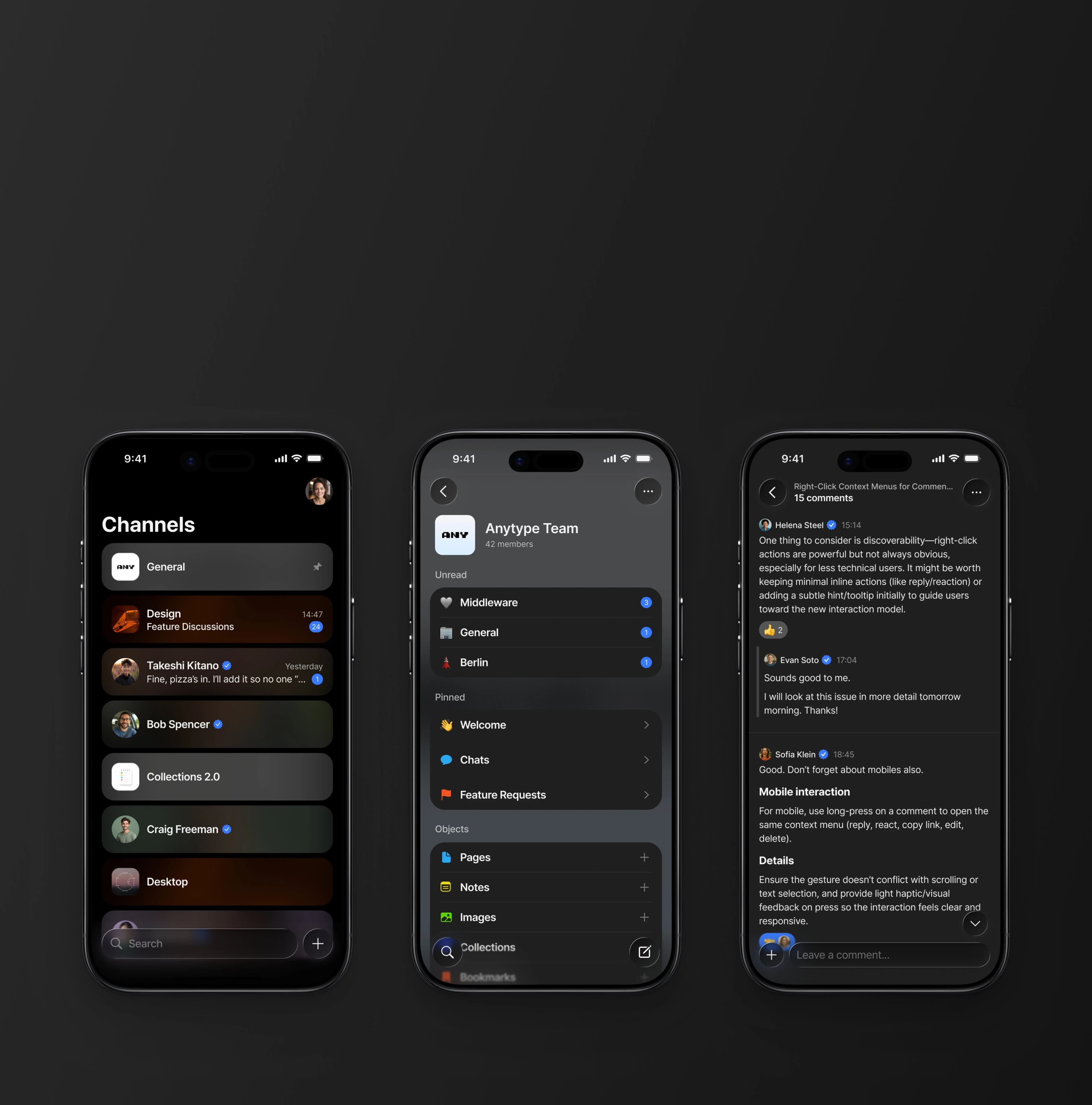
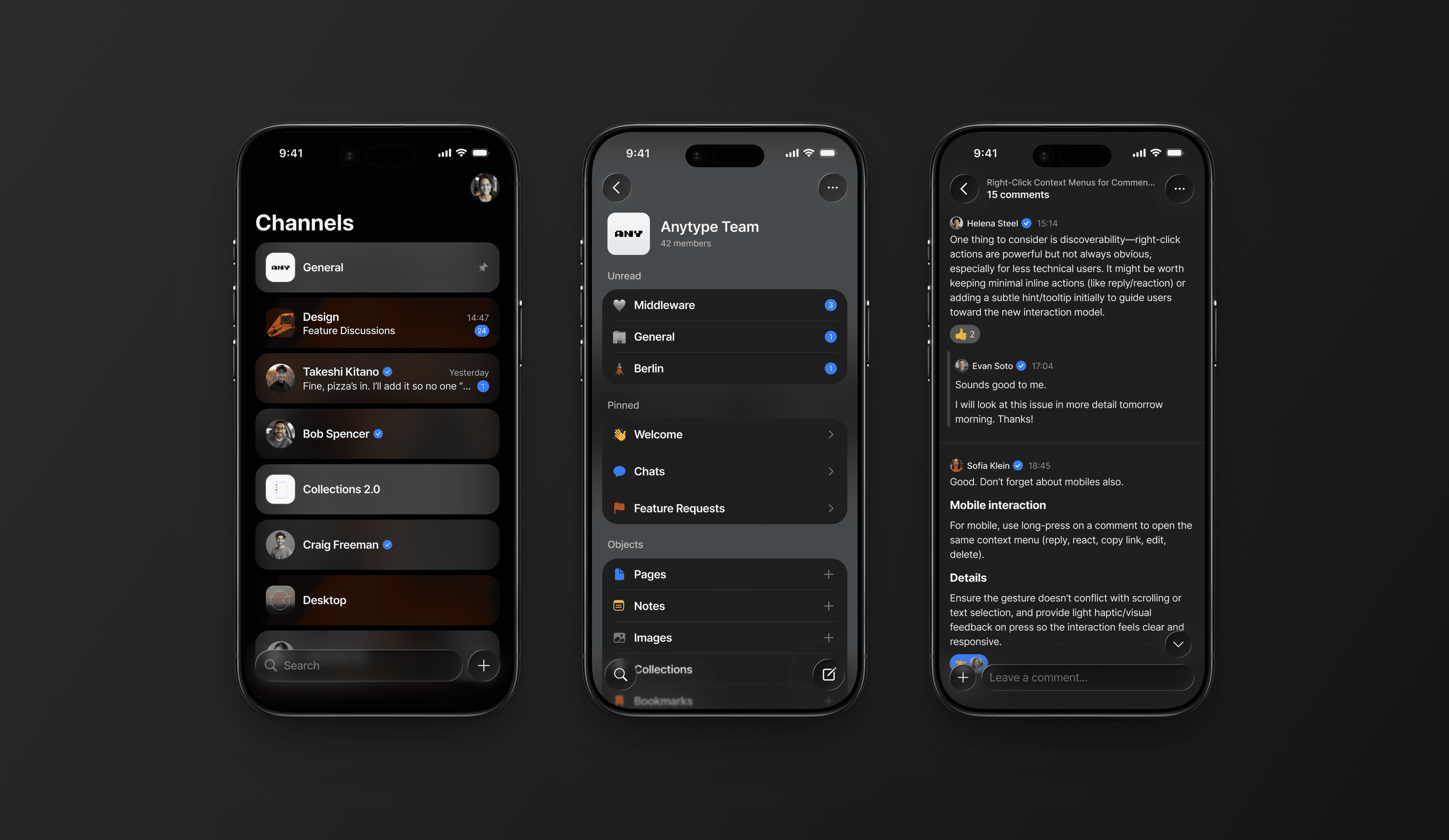
We decided to add a personal touch. The background of each channel is automatically derived from its icon, and the active bubble colors are calculated from it using HSL. Every channel feels distinct — without anyone having to pick a color manually. At launch, it became one of the most positively received design details in the entire release.
Chat as an Object
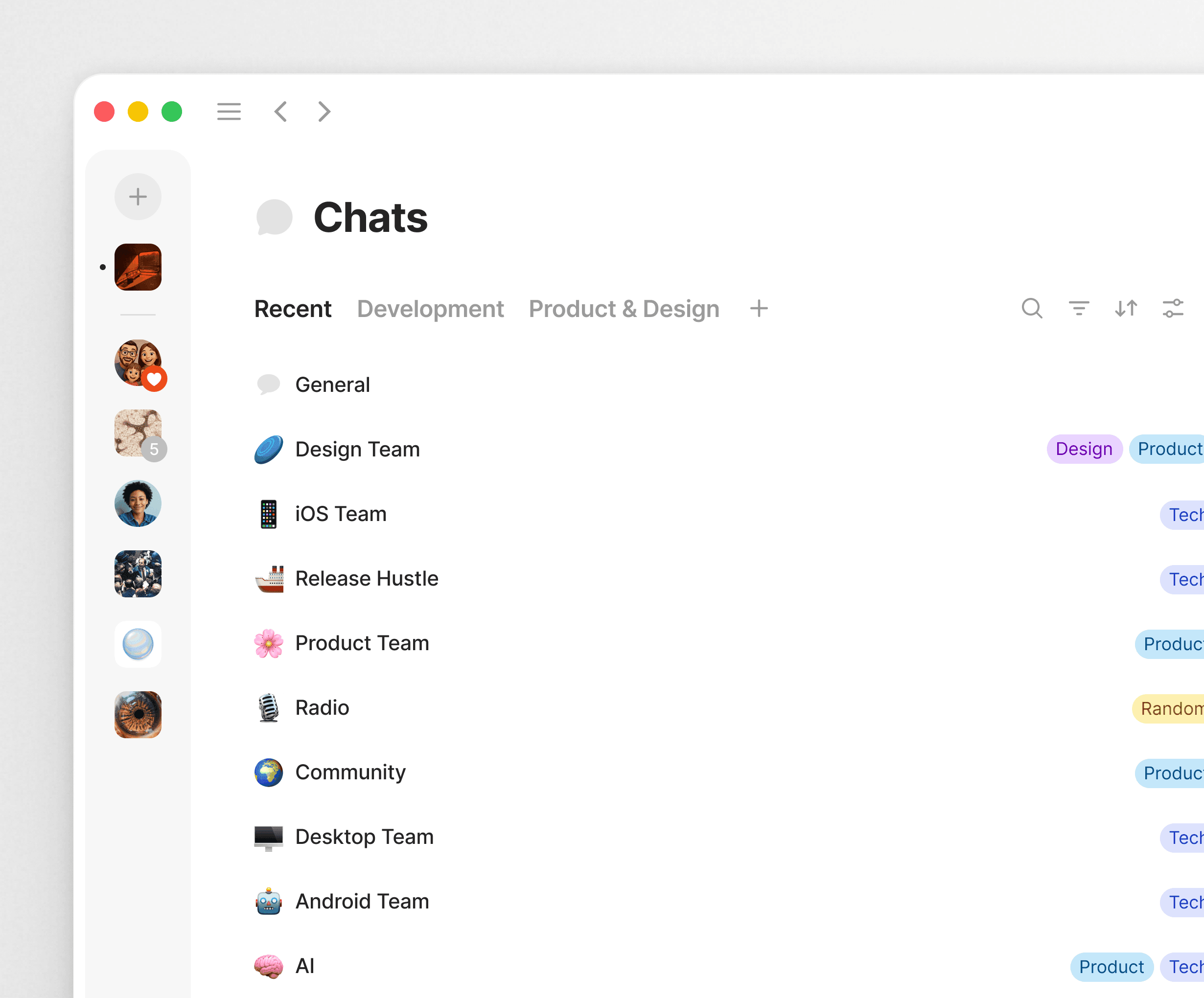
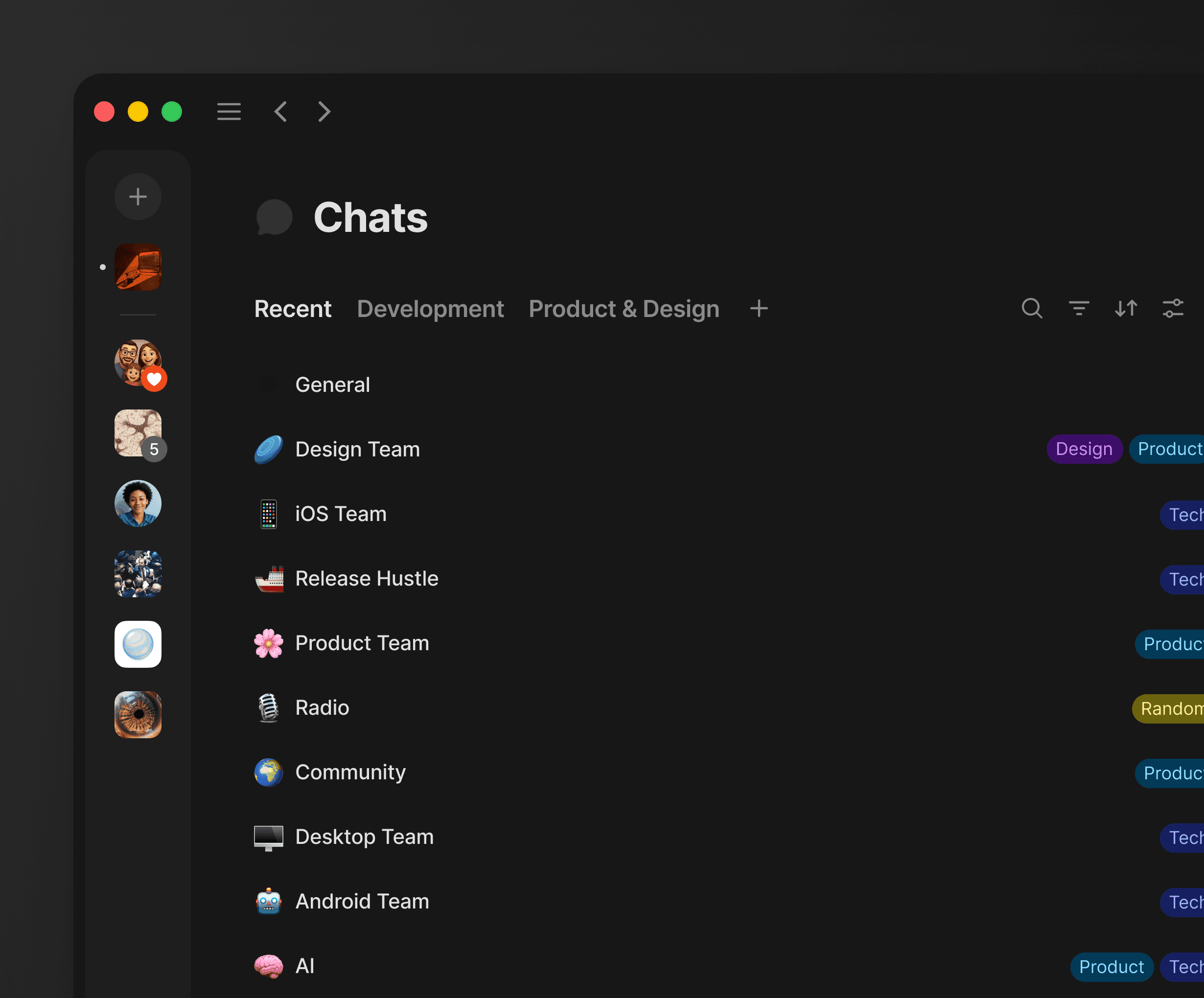
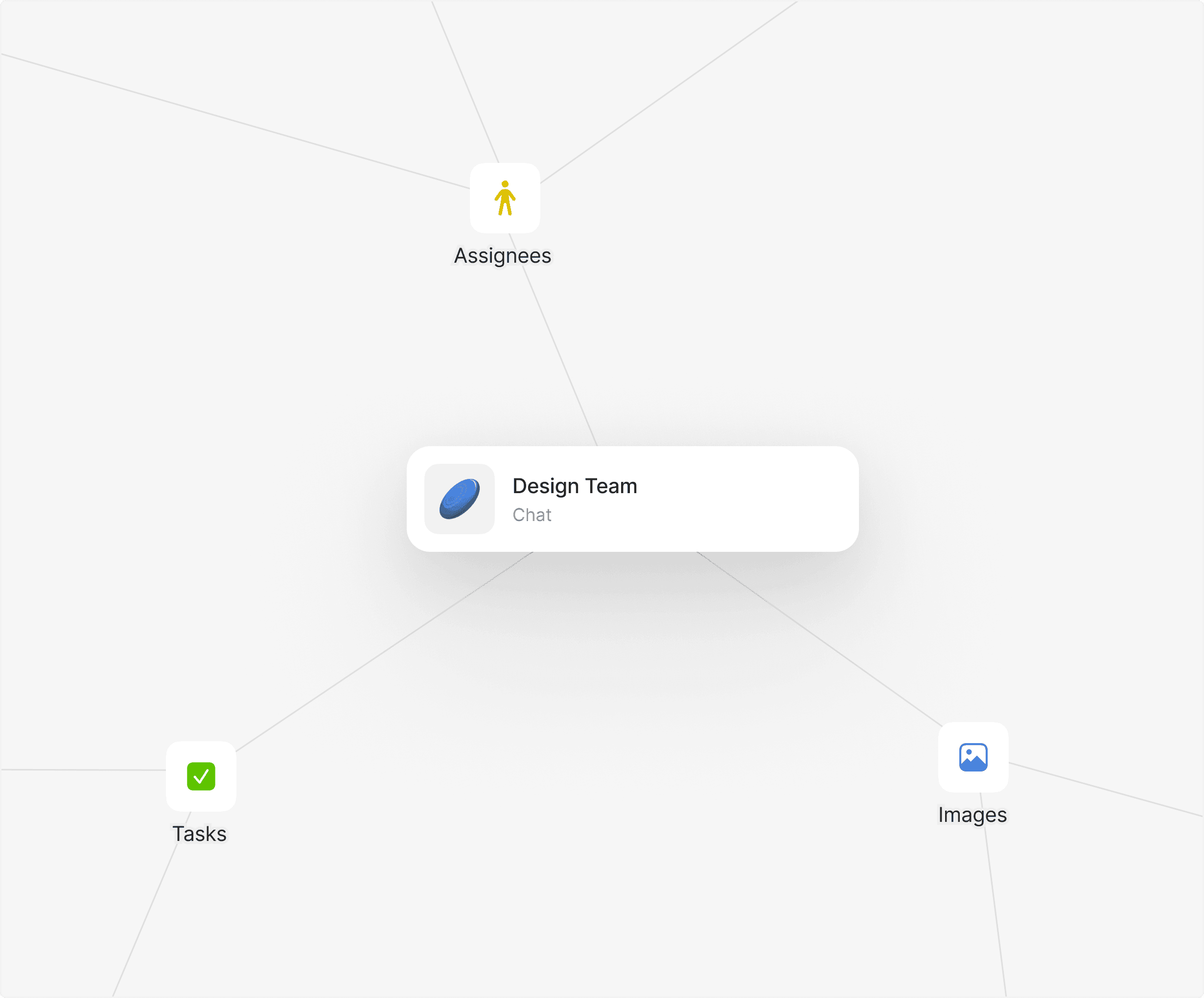
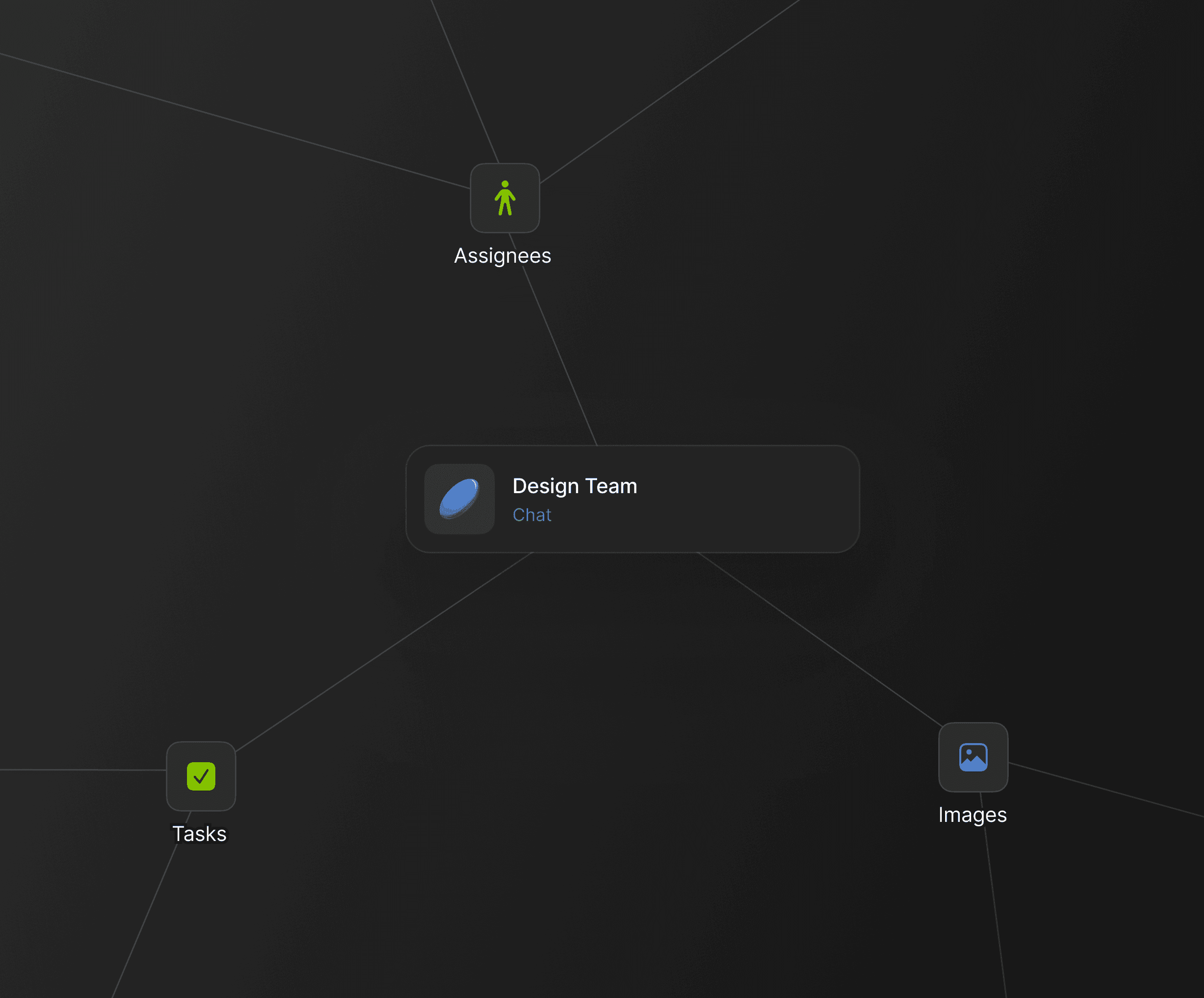
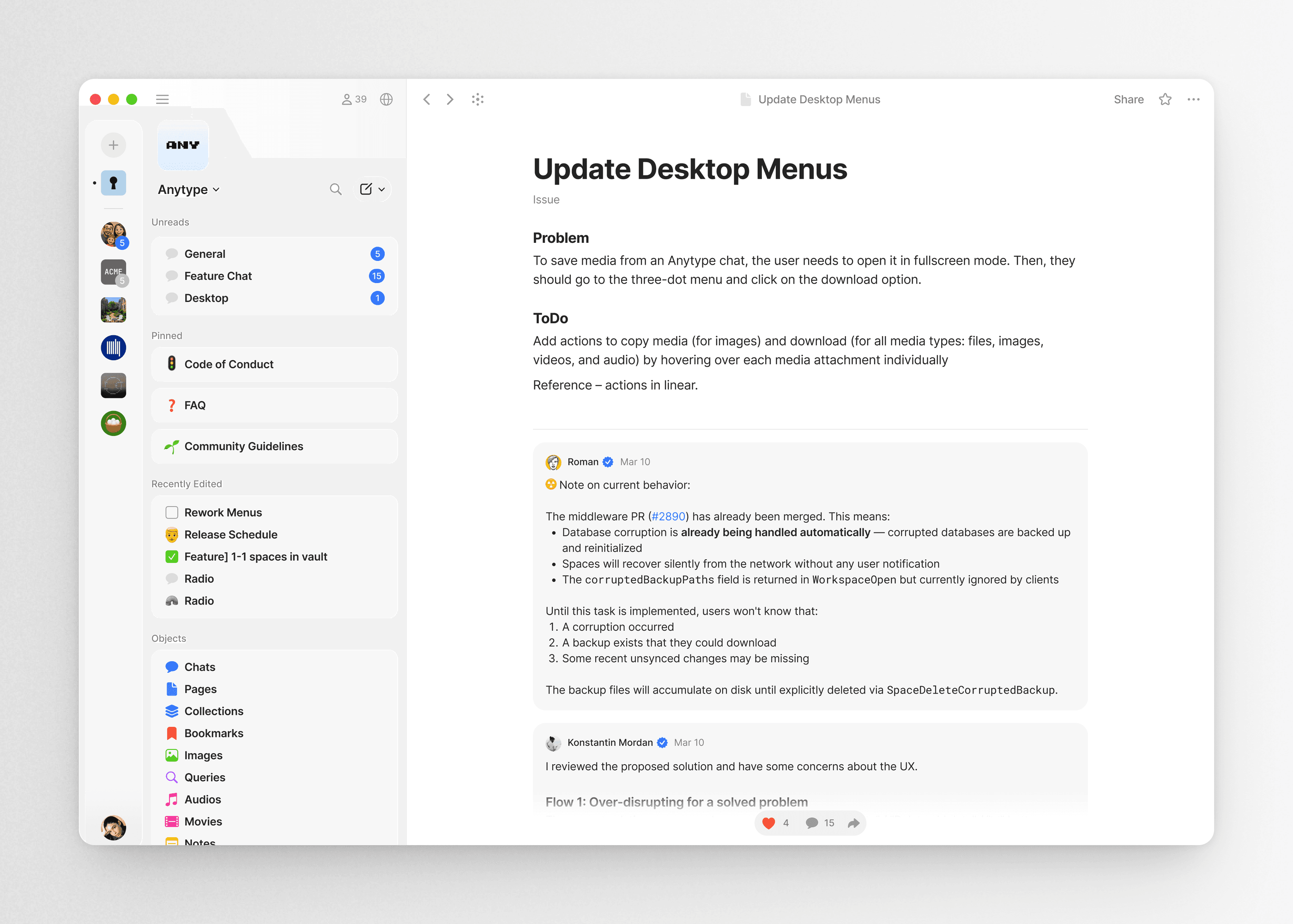
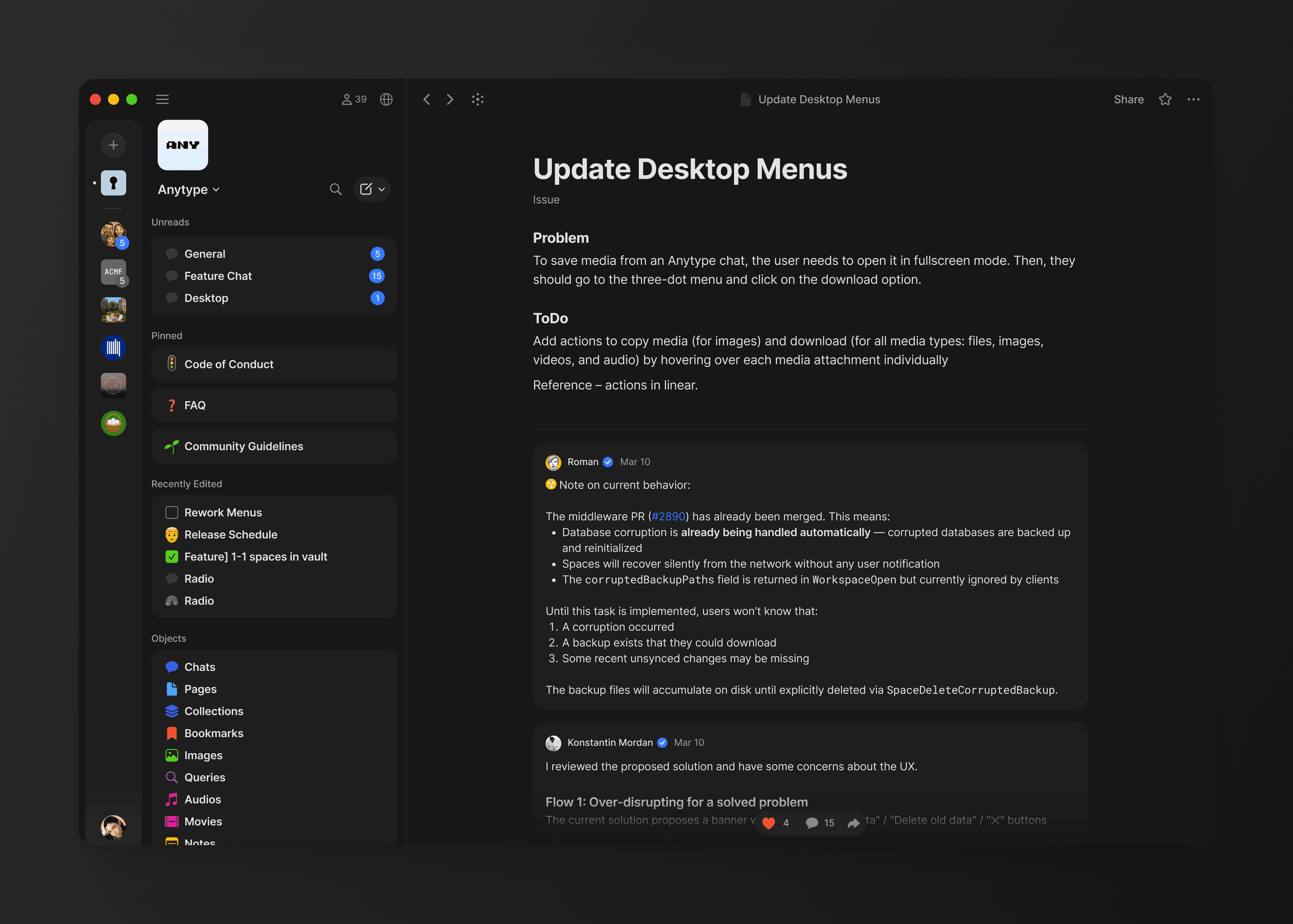
Chats follow the same logic as everything else in Anytype. They are objects — users can organize them into collections, add properties, sort and filter them. They appear in the knowledge graph like any other content.
Object Discussions
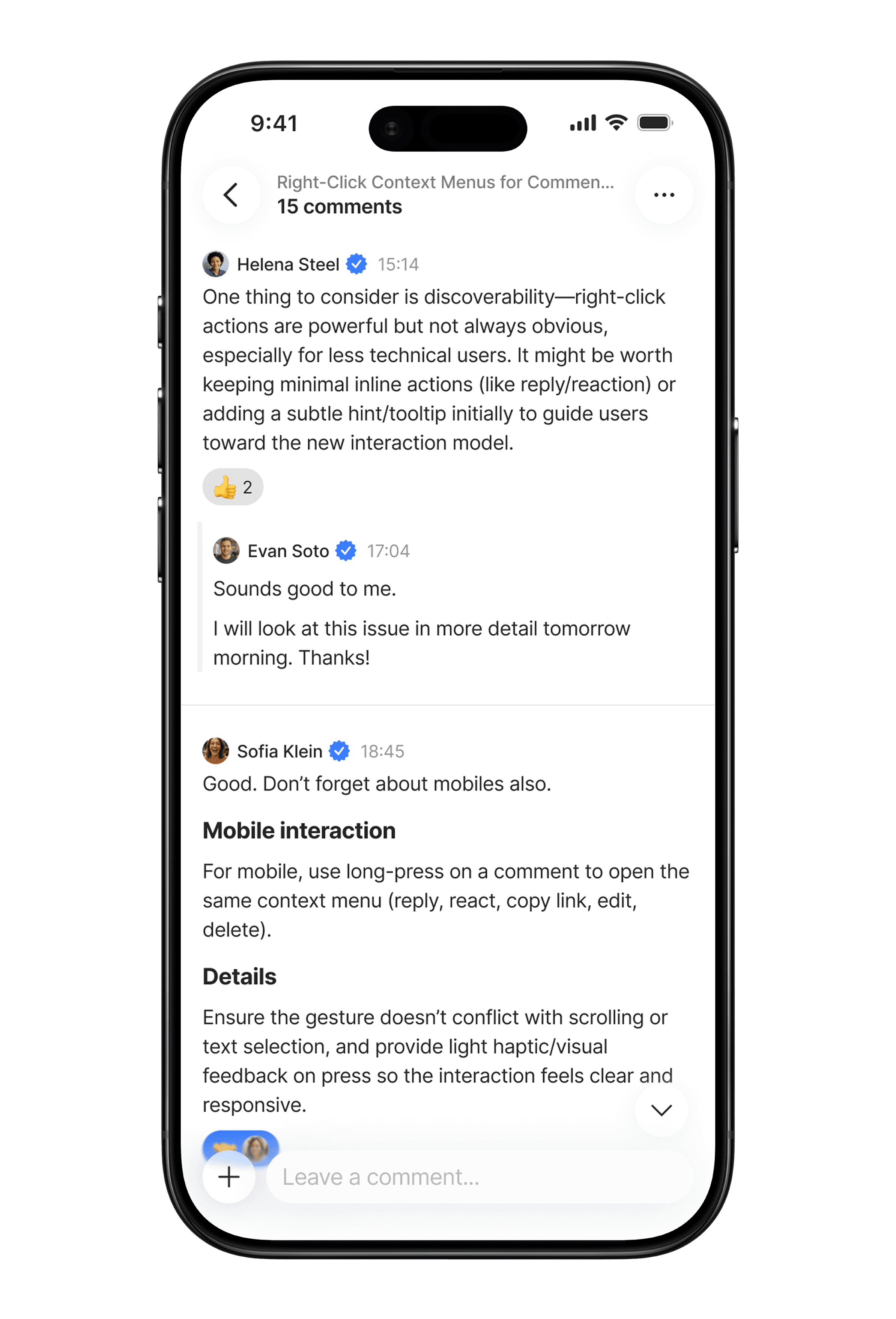
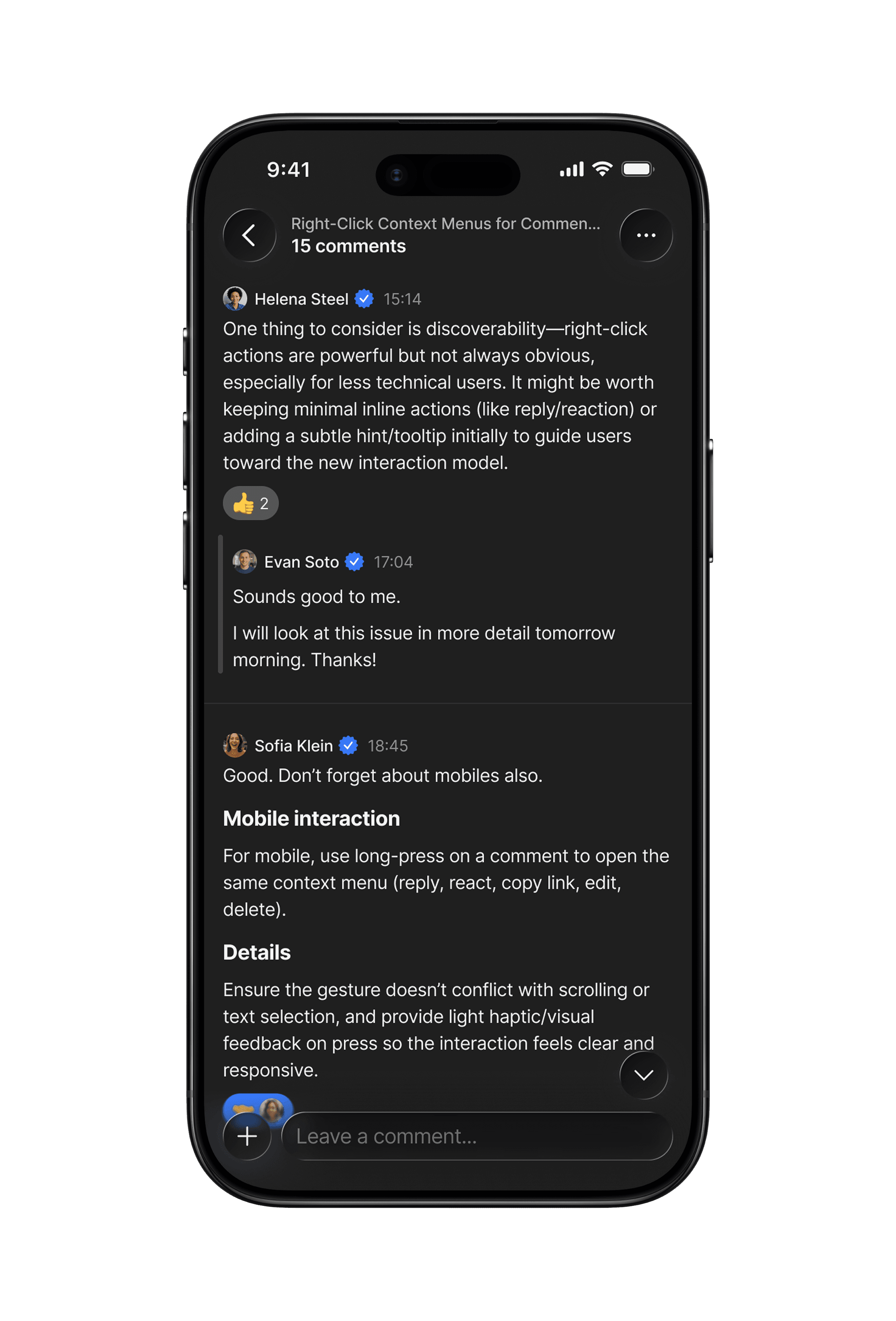
For work use cases, group chat wasn't enough. Users needed to discuss specific content in context, with just the people involved. The design decision was to go with a linear structure rather than bubbles. Bubbles fit quick, live conversation. Comments are for detailed, structured responses — closer to a task tracker than a chat.
That also meant a richer attachment system: code blocks, quotes, embeds — content that matters for async work.
Results and Lessons Learned
One of the clearest early signals came from within: our entire team of around 40 people switched from Slack to Anytype in a single day. No transition period, almost no trade-offs.
User analytics confirmed it: people who used communication were more engaged, activated better, and went significantly deeper into the product.
29,000+
users sent at least one message
19,000+
chats created
2.5x
day 30 retention for users who sent at least 1 message
7x
day 30 retention for users who sent more than 25 messages
2x
more objects created by users who use chats
1.5x
better activation for users who send messages